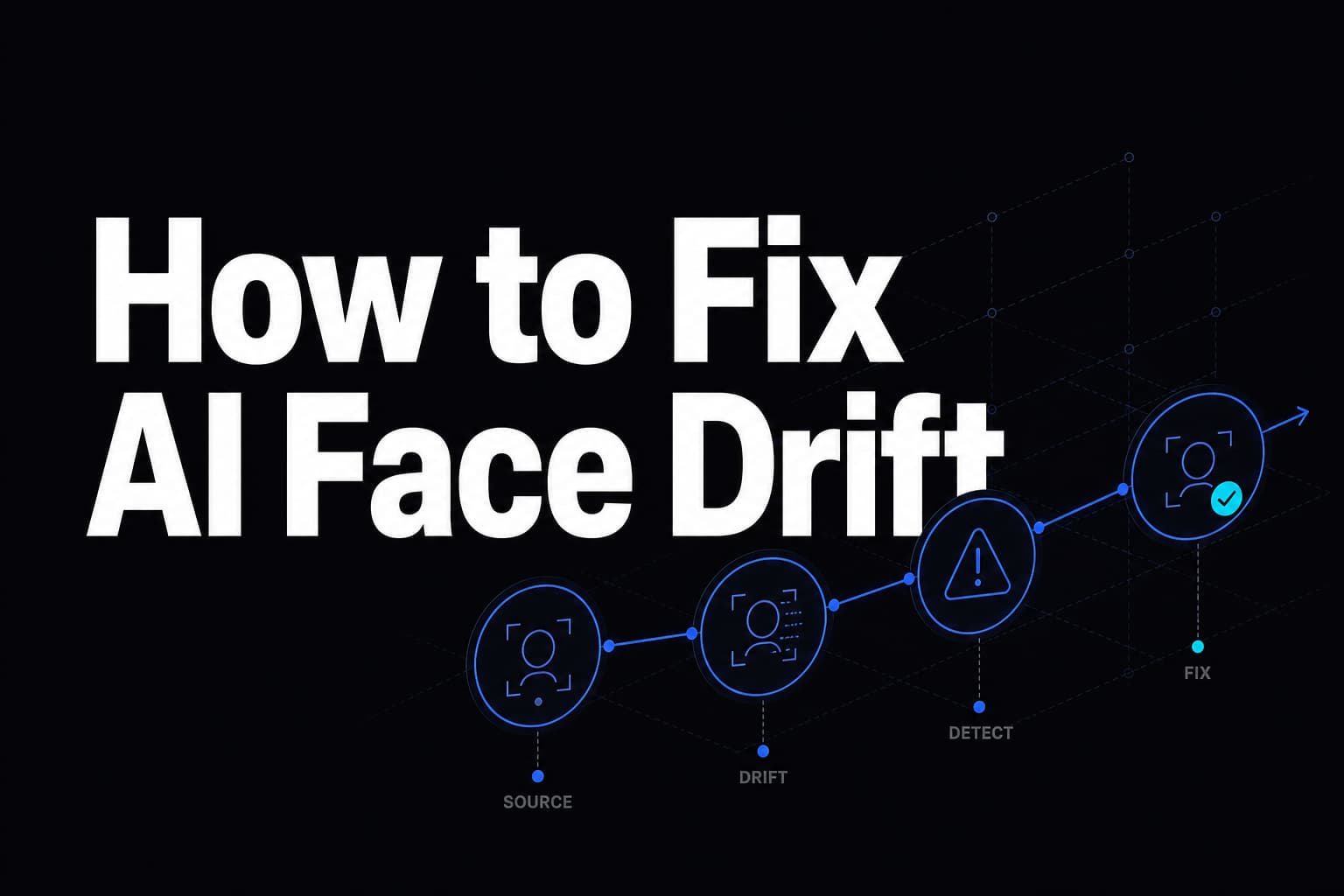
How to Fix AI Face Drift (When Your Face Stops Being Your Face)
Identity drift has four distinct causes, and only one of them is the model. A diagnostic order that fixes most cases without spending more per second.
Face drift is the clip that starts as you and ends as someone who looks a bit like you. It is the single most reported problem with character generation, and in our experience it is misdiagnosed most of the time — people switch models when the cause was a setting or an input.
Work through these in order. They are sorted by how often they turn out to be the answer.
1. The wrong parameter (motion transfer only)
If you are using Kling 3.0 Motion Control, check character_orientation before anything else.
On video, the reference clip drives framing and the model honours the elements entry that binds your face to the character. On image, the framing follows your still and that face binding does nothing. The request succeeds. You are billed. The identity drifts.
This one setting accounts for more "Kling drifts faces" reports than every other cause combined. It also gates the 30-second reference ceiling.
2. Not enough reference images
Reference-driven models accept up to nine images. HappyHorse 1.1 takes nine character references; MiniMax H3 accepts more. Most people supply one frontal selfie.
A single frontal photo tells the model nothing about your face from any other angle, so the moment your head turns it invents the rest — and what it invents does not match. Supply frontal, both three-quarters, and a profile, shot in similar lighting, whole head in frame, no sunglasses.
If wardrobe drifts too, shoot the references in the outfit you want. The model reads clothing from your references.
3. The clip is too long
Drift compounds. It is a function of duration multiplied by motion amplitude, and the second term is why dance clips drift more than talking heads at the same length.
Five to eight seconds holds reliably. Twelve to fifteen is where it starts sliding on most models. If you need a longer piece, generate two shorter shots and cut between them — the cut is invisible, the drift is not.
4. The prompt is asking for too much motion
Big gestures, fast turns and dramatic expression changes all push the face through states the model has to invent. "Speaks calmly to camera, slight head movement" holds where "gestures energetically while laughing" does not.
This is a real trade-off, not a bug. If the content needs big motion, shorten the clip to compensate.
Only then: the model
If all four are right and it still drifts, tier matters. On Kling Motion Control, Pro at $0.168/second held identity visibly better than Standard at $0.126 in our comparisons — a third of a dollar on an eight-second clip.
Prices read live on 2 August 2026. Note that the credible models sit in a narrow band, roughly $0.10–0.17 per second, so switching model is a small lever compared with the four above, all of which are free.
What does not help
Re-rolling the same request. If the cause is structural — one reference photo, fifteen seconds, wrong orientation — the next generation drifts the same way and costs the same again. Change an input, then re-run.
Upscaling to 1080p. Drift is a temporal problem, not a resolution one — a sharper render shows it more clearly rather than less, and on a credit-based plan a higher quality tier burns faster for the same failure.
How to do this without code: Several of the fixes, such as more reference angles and shorter scenes, are built into the planning step. In AutoHustle this is the autopilot: paste the Reel link, add one photo of yourself and confirm the plan (about 4 credits per second of finished video, so 60 credits for a full 15-second call; analysing the Reel is free). See How to put your face in any Reel and Recreate an Instagram Reel.
Related reading: How to Keep the Same Face Across AI Video Scenes · How Many Photos Do You Need for an AI Video of Yourself?